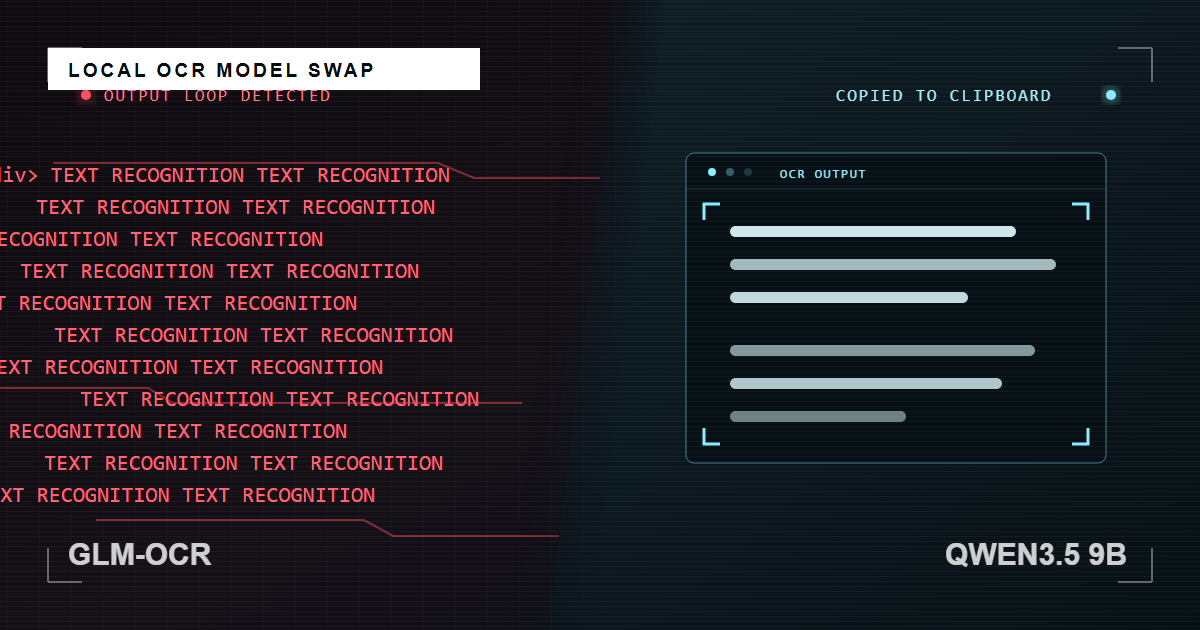
GLM-OCR Broke Again, So I Replaced It
GLM-OCR became unreliable in my one-button screenshot OCR script, so I replaced it with Qwen3.5 9B instead of fixing it again.
So, GLM-OCR just broke again after an Ollama update. Time to say goodbye.
Until now, GLM-OCR had been a handy text recognition tool: one button turned a screenshot into plain text and copied it to the clipboard. It ran locally through Ollama and was one of the very few real use cases for local AI I had found for my production workflow.
I’d been using it for a few months when, after an Ollama update, it started returning weirdly formatted output with HTML tags, sometimes getting into repetition loops or returning thousands of lines of text from a single sentence in the screenshot.
I tried patching it up with a Band-Aid - a tighter prompt, repetition control, and cleanup code to remove formatting and duplicate output.
It worked again for some time, until another update.
I like tools that work as intended, predictable output is the whole point of automation in my book - less room for human error and mis-clicks.
Anyways, when a tool takes more time to fix than it saves, it’s probably time to look for an alternative.
OCR-focused models have been a bit too temperamental for my liking, so I went with qwen3.5:9b. It was already on my machine, it is multimodal, and I did not feel like testing out multiple models to find the best option.
I suppose I am still testing them, just one model at a time.
So far, it has returned promising results and handled web layouts, code snippets, and even reasonably legible handwriting well.
So out with the old, in with the new. Hopefully it’ll work for a while.
The updated script and instructions are available on GitHub for anyone interested.